Advanced email settings
Advanced settings control how HelpDesk matches incoming email replies to existing tickets.
Navigate to the Email settings section on the Settings page and expand Advanced.
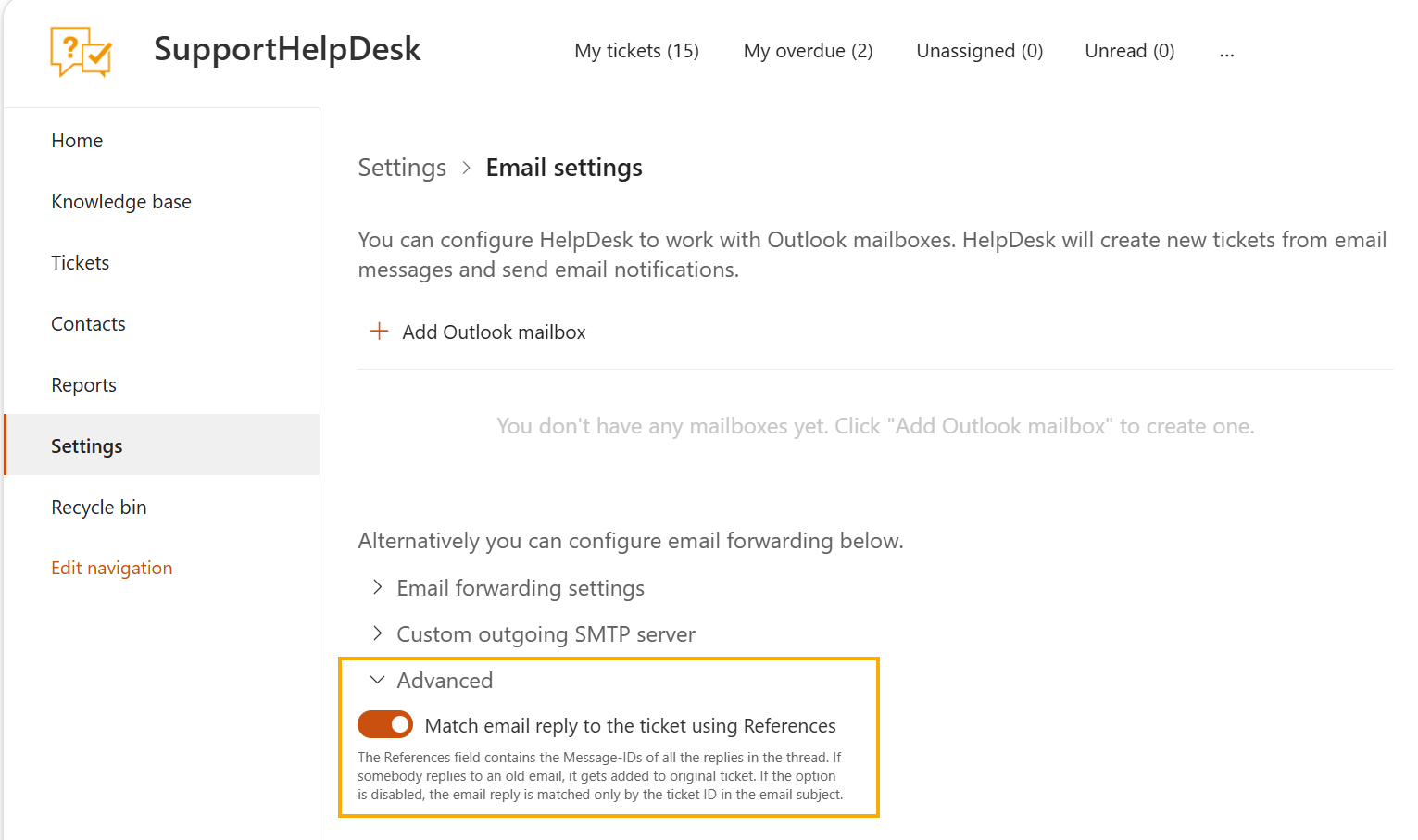
Match email reply to the ticket using References
This option is enabled by default.
References is a standard email header that lists the Message-IDs of every
message in a conversation. HelpDesk reads it to work out which ticket a reply
belongs to, so the reply is added to the original ticket even if the subject
line has been changed, or if somebody replies to an old message in the thread.
When the option is disabled, HelpDesk matches replies only by the ticket ID in the email subject. If the subject is changed, the reply is not matched to the existing ticket and creates a new one instead.
Keep the option enabled unless you need replies to be matched by ticket ID only.